When you visit your sports website on a mobile phone you will be taken to the mobile web app. The mobile web app is specifically designed for phone users and the small screens found on mobile devices.
Saving the SOCS Sport Web App to your Mobile Device
You can save the mobile web app as an icon to your mobile device's home screen for ease and it will operate and behave like a mobile app.
Adding the web app to your home screen will vary dependent on your device and browser. Here are links to the instructions for Android and Apple iOS:
Navigating the Web App
Below is more information about the different screens and features of the web app. This includes:
- The Homescreen
- The List of Sports
- Sports Teams
- Syncing a Team's Fixture List to Personal Calendars
- Adding Favourite Teams
- Fixture Details
- The Sports Map
Home Screen
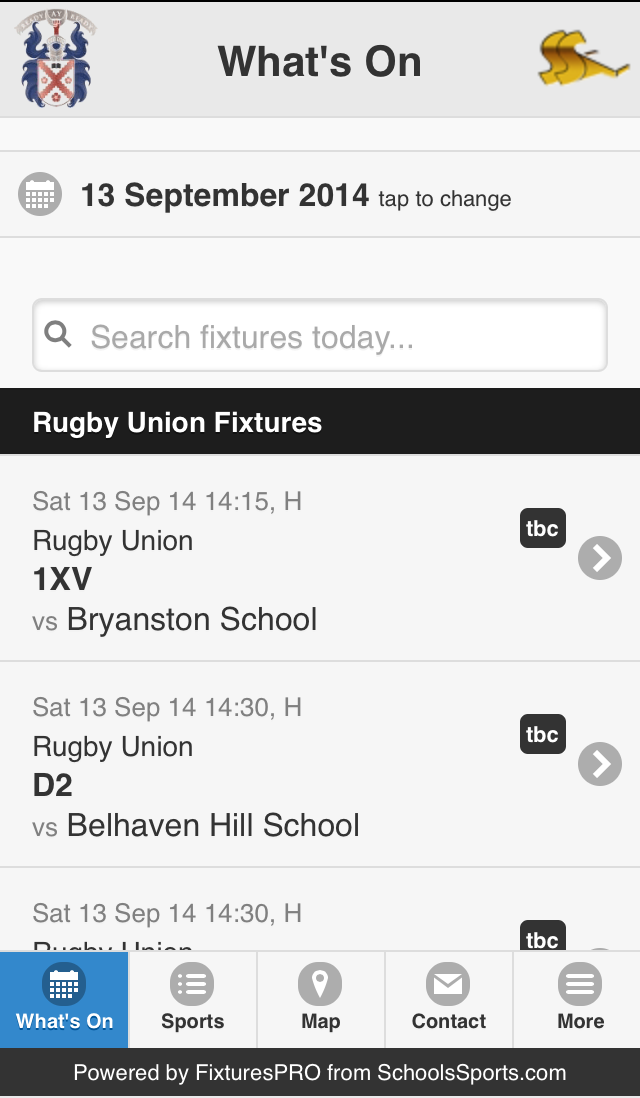
This is the Home Screen. Here you will find 'What's On' today, with a helpful date picker at the top.
List of Sports
Clicking on Sports brings up a list of sports played at the School with a season picker at the top – Clicking on a sport will link through to team lists and fixture lists.
Sports Teams
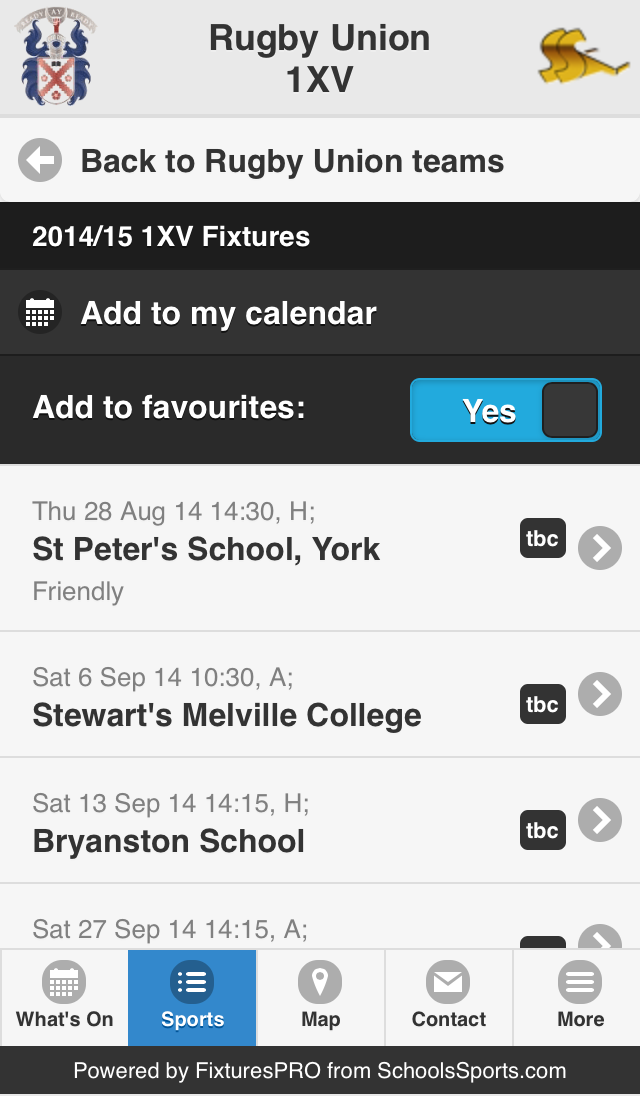
Choose a sport then select the team you are interested in. This brings you to the Fixture List for that team.
Syncing a Team's Fixtures with your Calendar
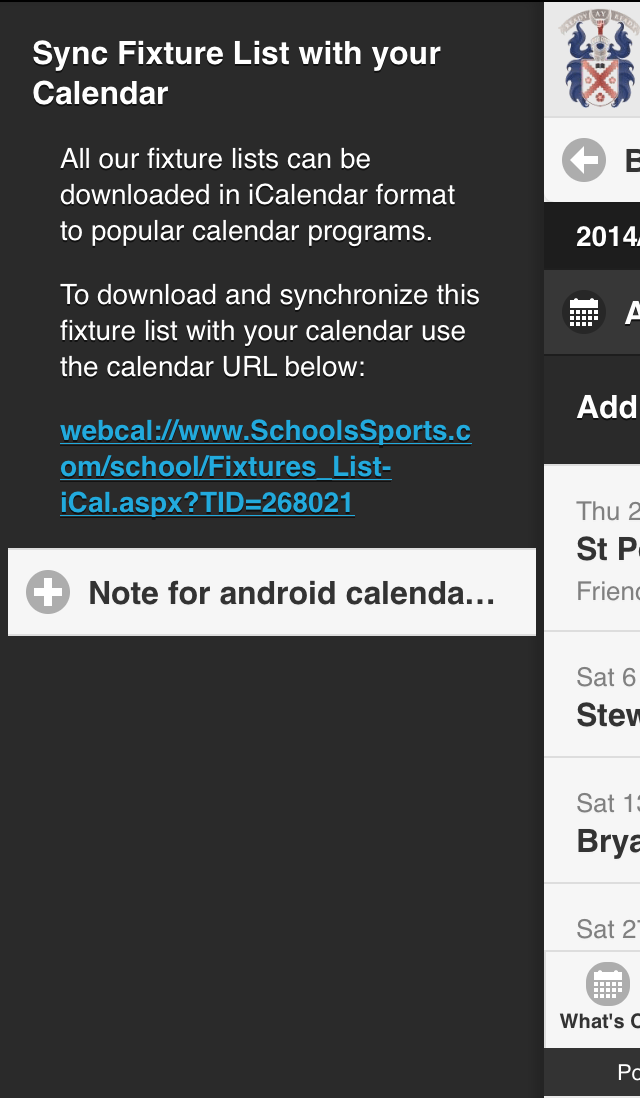
You can then synchronise the selected team's fixture list with your personal calendar by clicking “Add to my calendar” at the top.
Adding Favourite Teams
You might also want to click “Add to favourites”. This will save the team into the app's main menu, making it easy to return to the fixture list in the future. Click on More from the menu to access your favourites.
Fixture Details
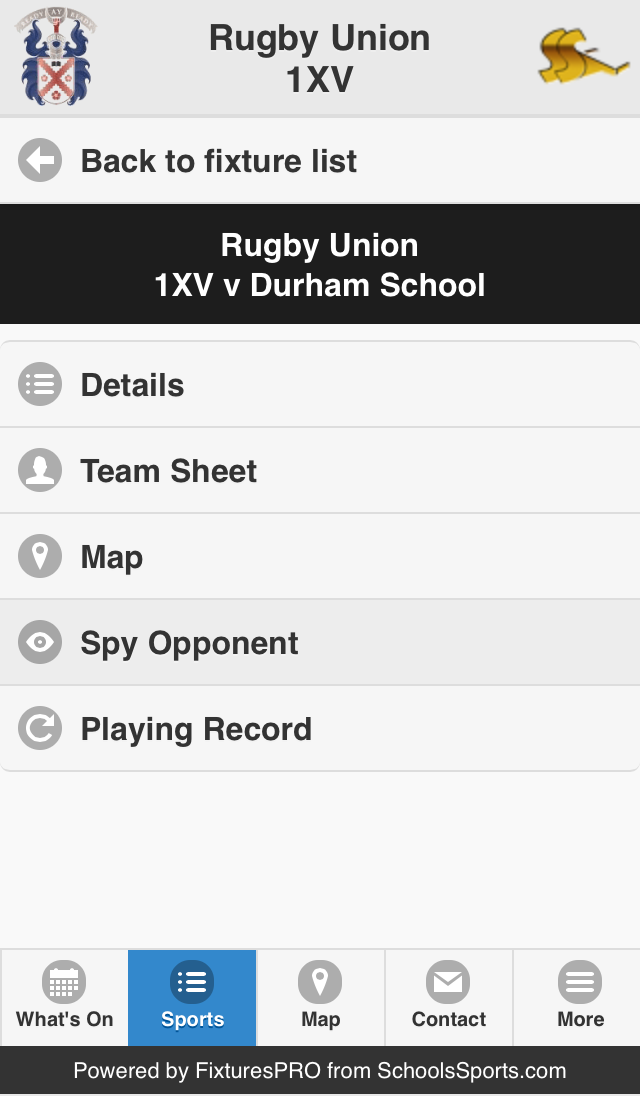
Here is the fixture details page. This shows match results and additional information you might need, including the team sheet, map location, the playing record versus the opponent and information about your opponent's performance during the current season.
Sports Map
Next is the Sports Map. By clicking on this icon you can access the schools playing campus.
Was this article helpful?
That’s Great!
Thank you for your feedback
Sorry! We couldn't be helpful
Thank you for your feedback
Feedback sent
We appreciate your effort and will try to fix the article